Preview yours in Studio
StudioFree
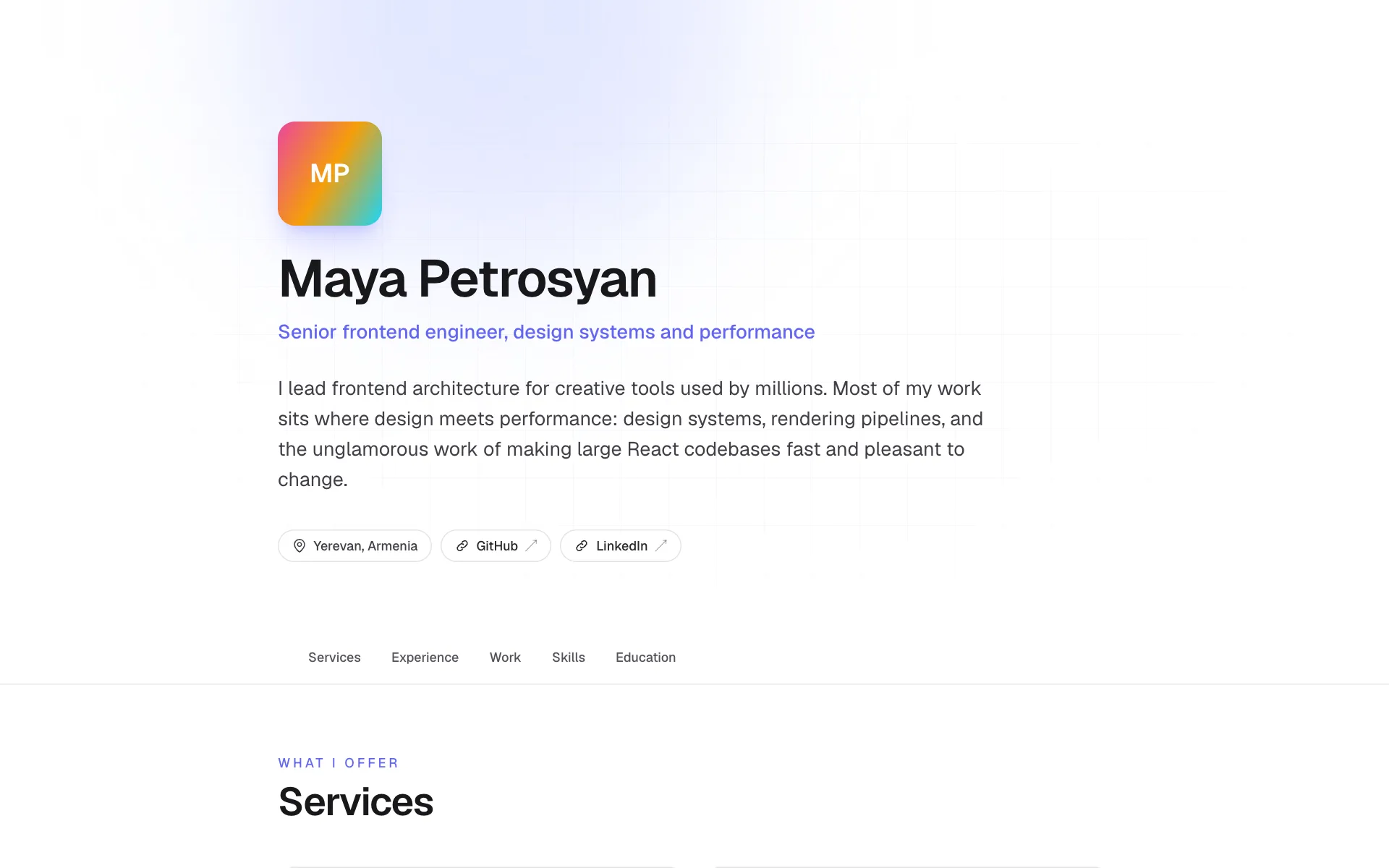
Agency-style landing pageShown with Priya’s sample CV (fictional)
FolioGen reads your CV, writes the copy and builds your portfolio site while you watch. Pick a look, then keep it at foliogen.io/you.
No signup needed to see your result. Or unlock everything for life with Lifetime Pro.
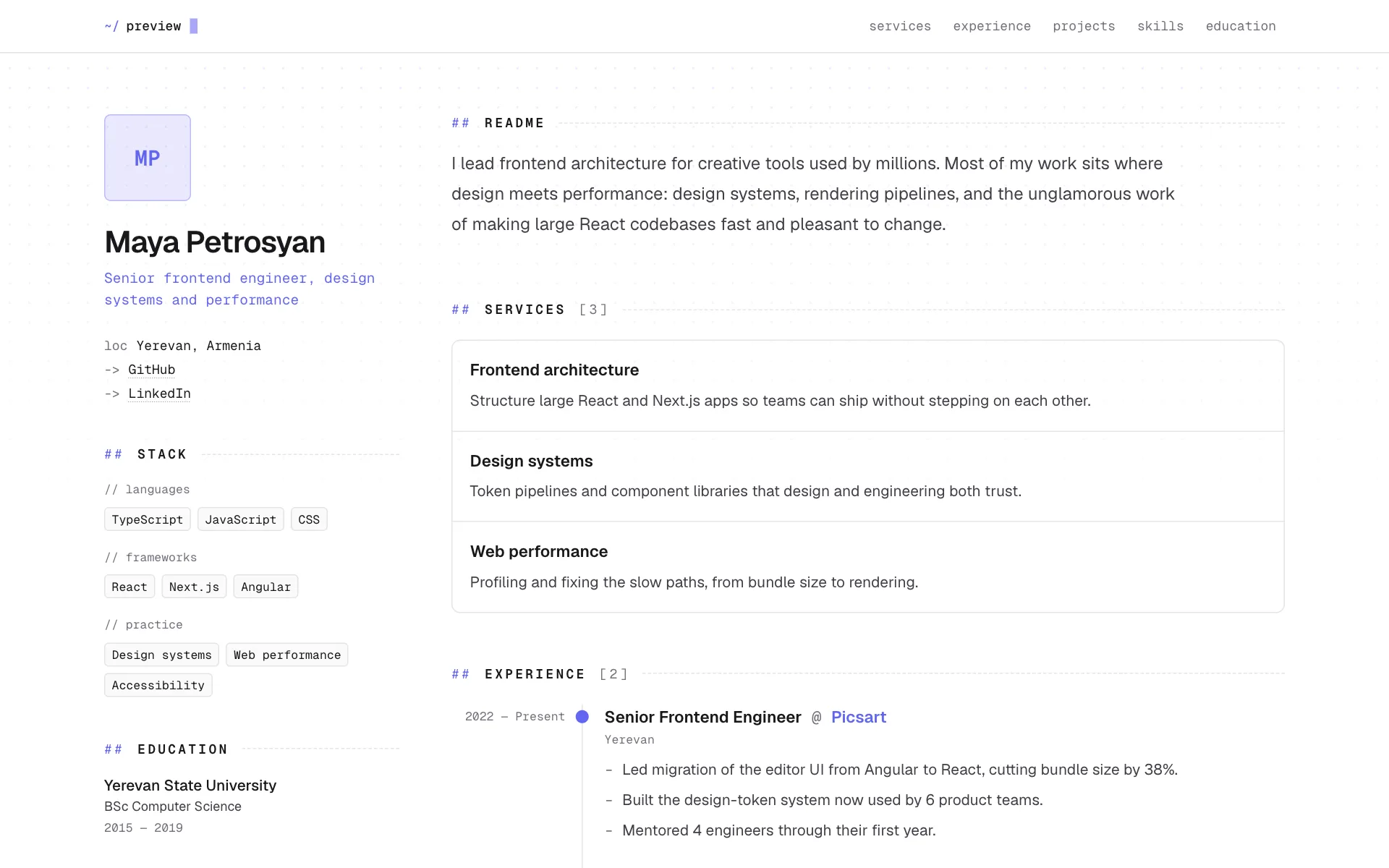
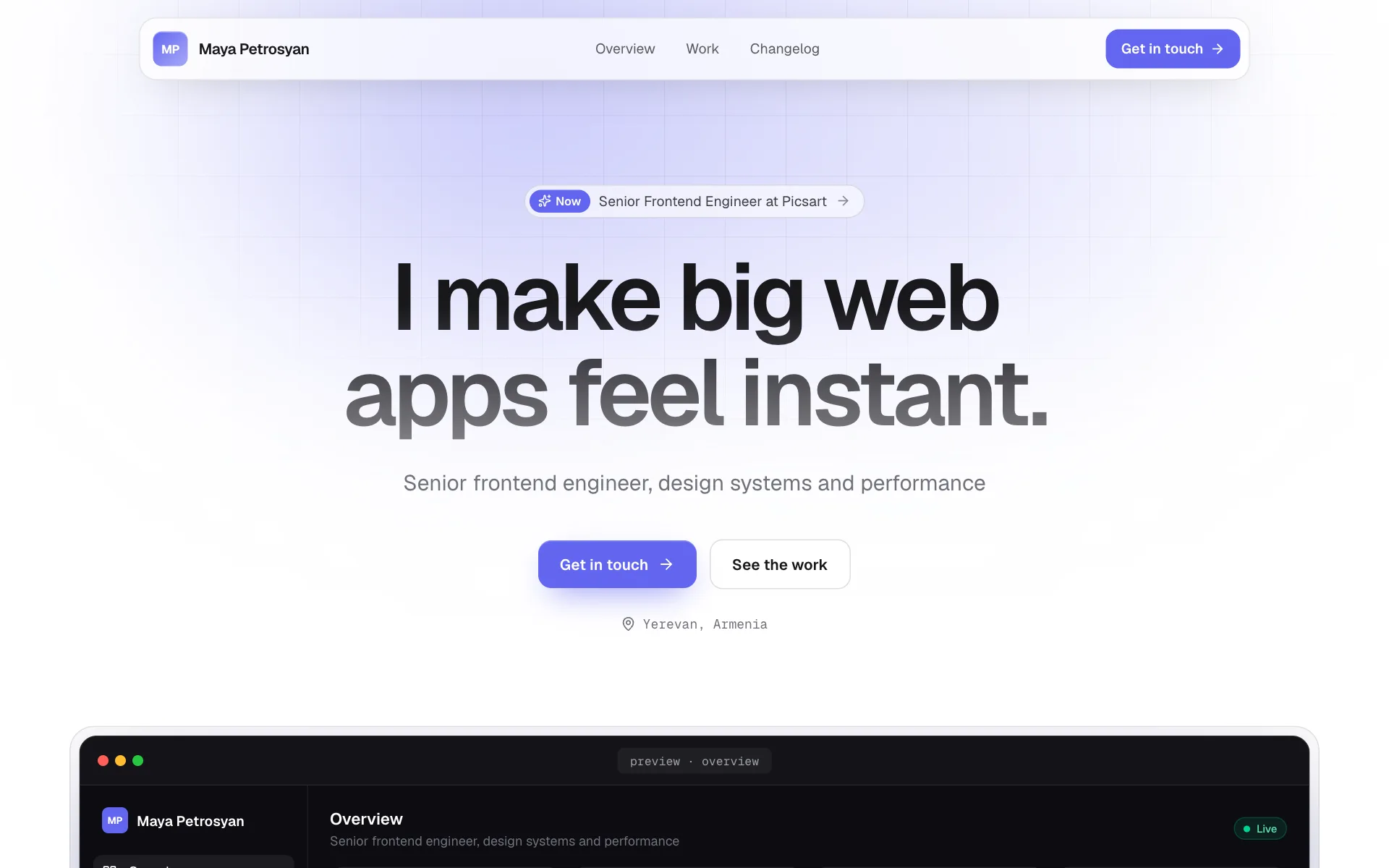
Launch template · example: Maya (sample CV)
A fictional sample CV next to the website FolioGen builds from it, shown in the Launch template.
The same flow you’ll see when you try it. You only make an account at the very end, if you like what you see.
Step 01
PDF, DOCX or TXT. A LinkedIn “Save to PDF” export works too. No CV handy? Start from a sample.
Step 02
FolioGen pulls out your roles and dates, writes your headline and sharpens your bullet points, on screen.
Step 03
Switch between seven website templates live. Your content stays put while the design changes.
Step 04
Sign up to keep it at foliogen.io/yourname. Until then your preview is private, and it’s deleted after 48 hours if you don’t.
Each template lays out the same content its own way. Shown here with fictional sample CVs; click one to try it on yours.
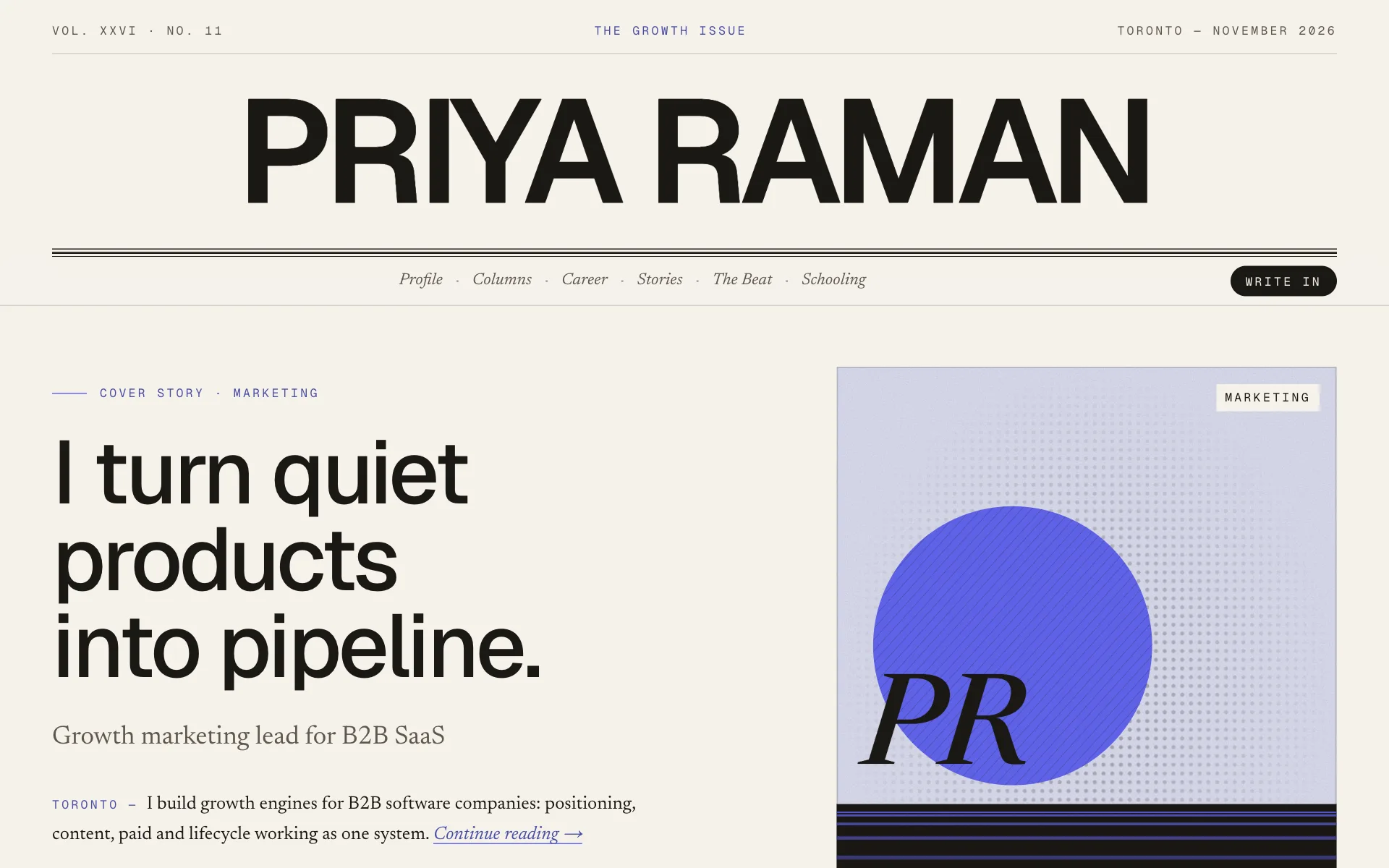
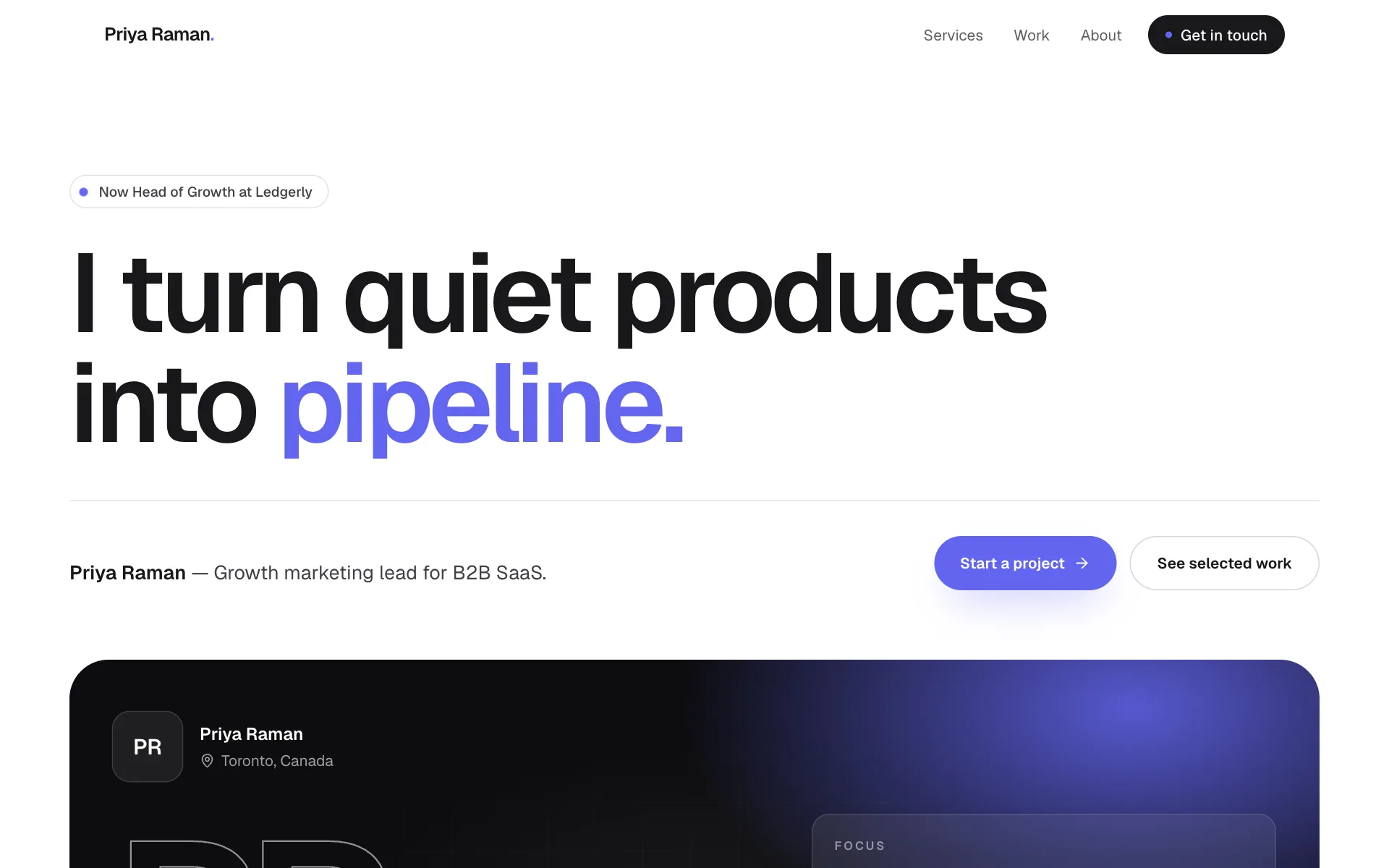
Shown with Priya’s sample CV (fictional)
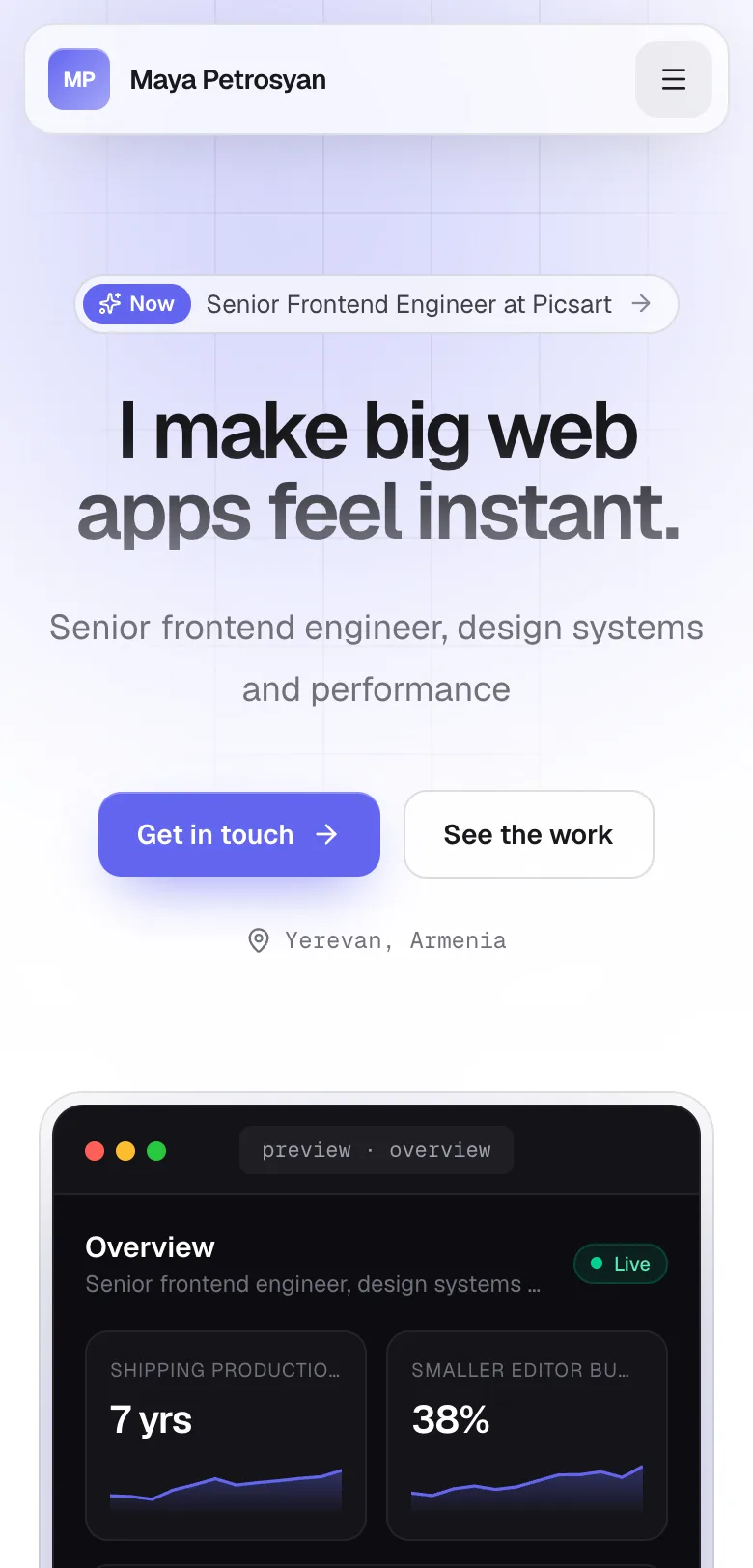
Shown with Maya’s sample CV (fictional)
Shown with Priya’s sample CV (fictional)
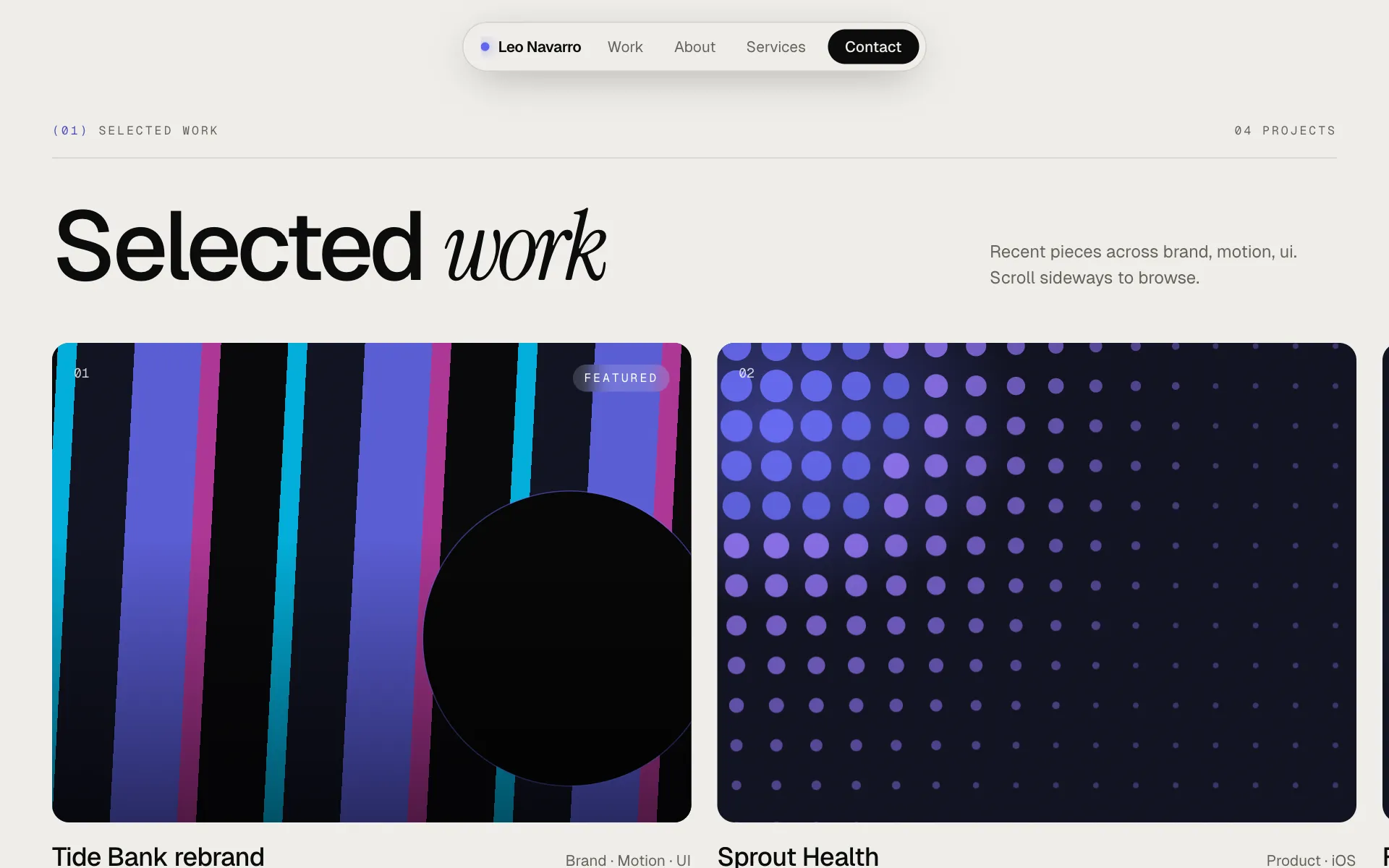
Shown with Leo’s sample CV (fictional)
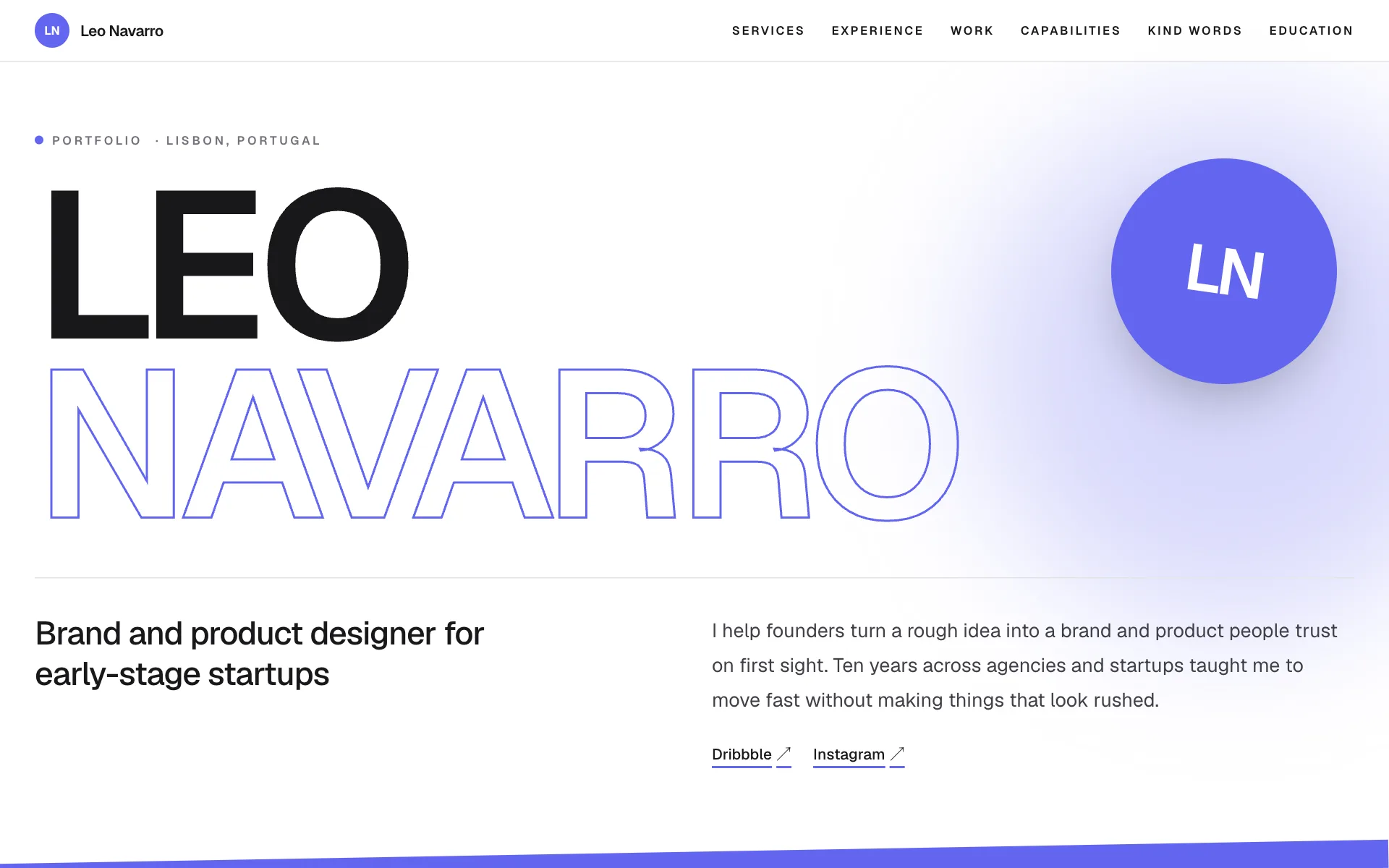
Shown with Leo’s sample CV (fictional)
Shown with Maya’s sample CV (fictional)
Shown with Maya’s sample CV (fictional)
Not a resume PDF on a webpage. A live site designed to be read, shared and updated.
01 / 06 · AI copy
FolioGen turns messy CV bullets into a headline, a summary and project blurbs that read well. Every line stays editable.
From your CV
- responsible for frontend performance, worked on bundle size of the editor
On your site · Project blurb
Illustrative example
02 / 06 · 7 templates
Studio and Classic are free. Five more come with Pro. Switch whenever you like.
Studio
LaunchPro
EditorialPro
GalleryPro
PosterPro
TerminalPro
Classic
Switch any time
03 / 06 · Make it yours
Light, warm or bold. Any accent colour. Sans, editorial serif or display type.
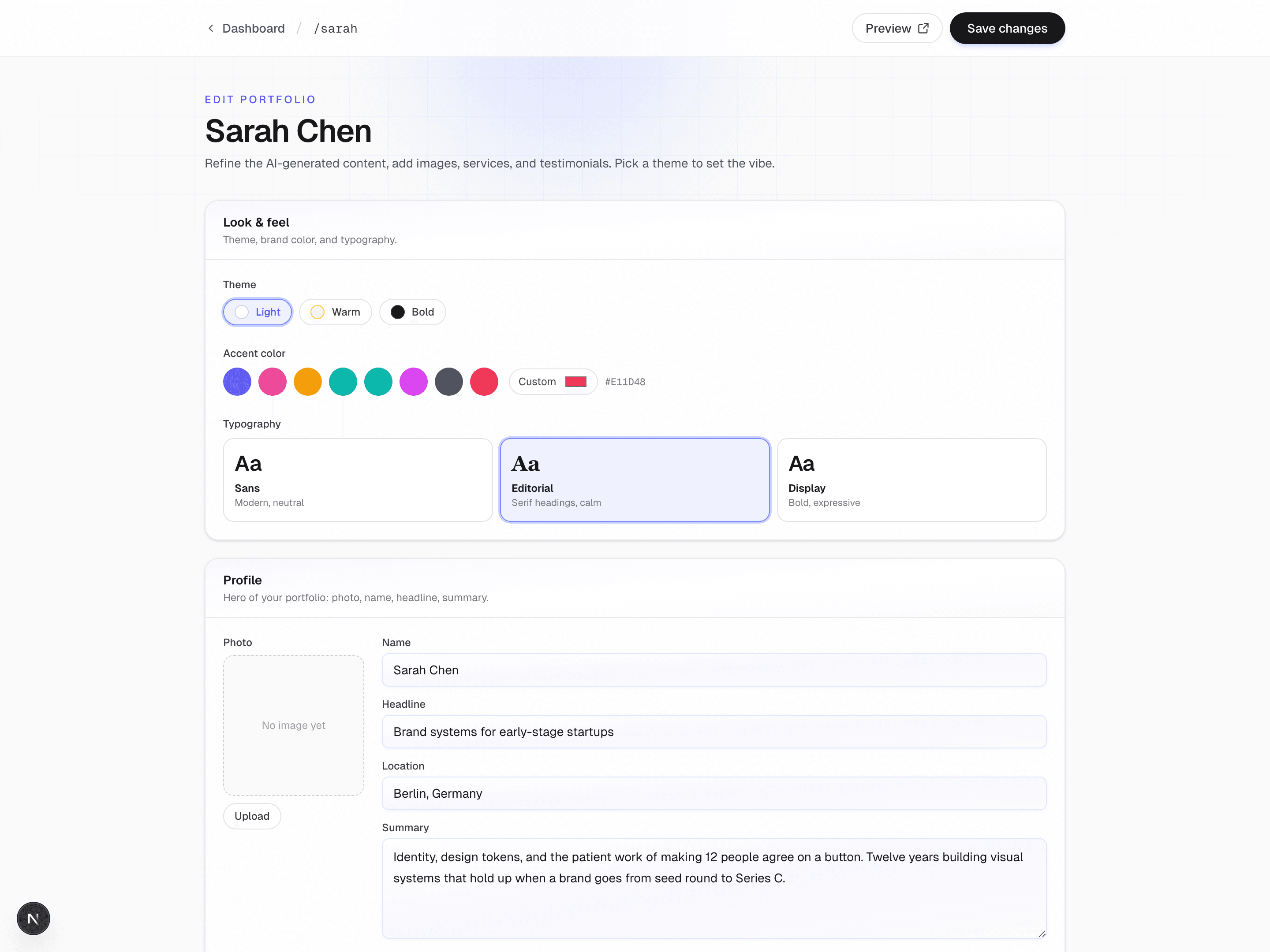
04 / 06 · Case studies
Any project can open into its own page, with room for context and outcomes.
05 / 06 · Contact form
Visitors can message you straight from your site.
06 / 06 · Your link
Your own URL, included on the free plan. Your link gets its own preview card when you share it.
Free
Start free.
No card needed. Preview first, sign up when you like what you see.
Lifetime Pro
Pay once. Keep it.
One payment unlocks Pro for good.
Your turn
Upload once. Tweak anytime. Share one link. Seeing your CV as a website takes no account and no card.